Theming
Theming
Every widget asks the current theme for its colours, sizes, fonts and icons. Change the theme and every window repaints with the new values. You do not restyle widgets one by one.
Bellui’s default theme follows Material Design 3 (MD3). It has a light and a dark variant and follows the operating system’s appearance setting. Its colours are generated from one primary colour.
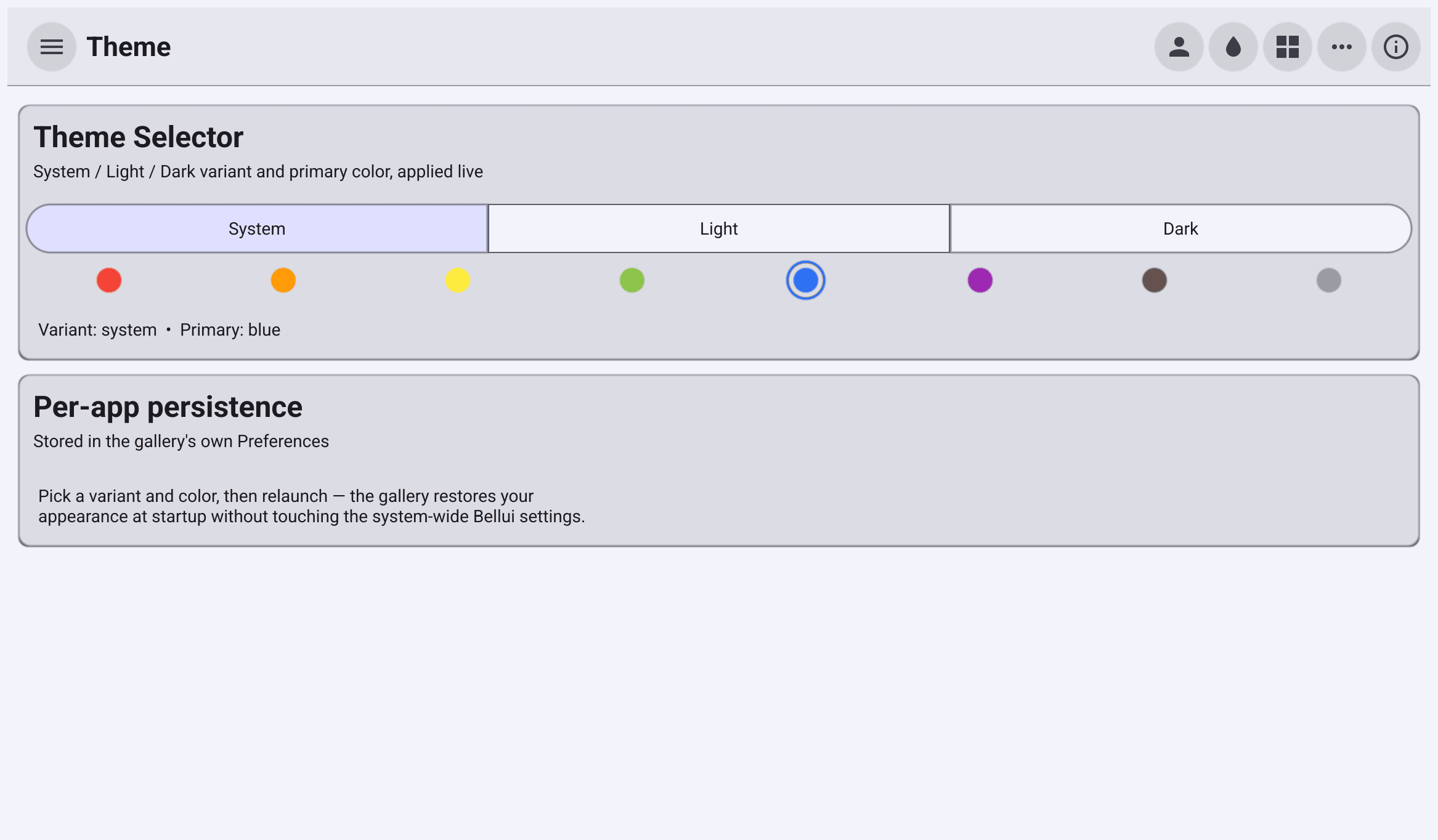
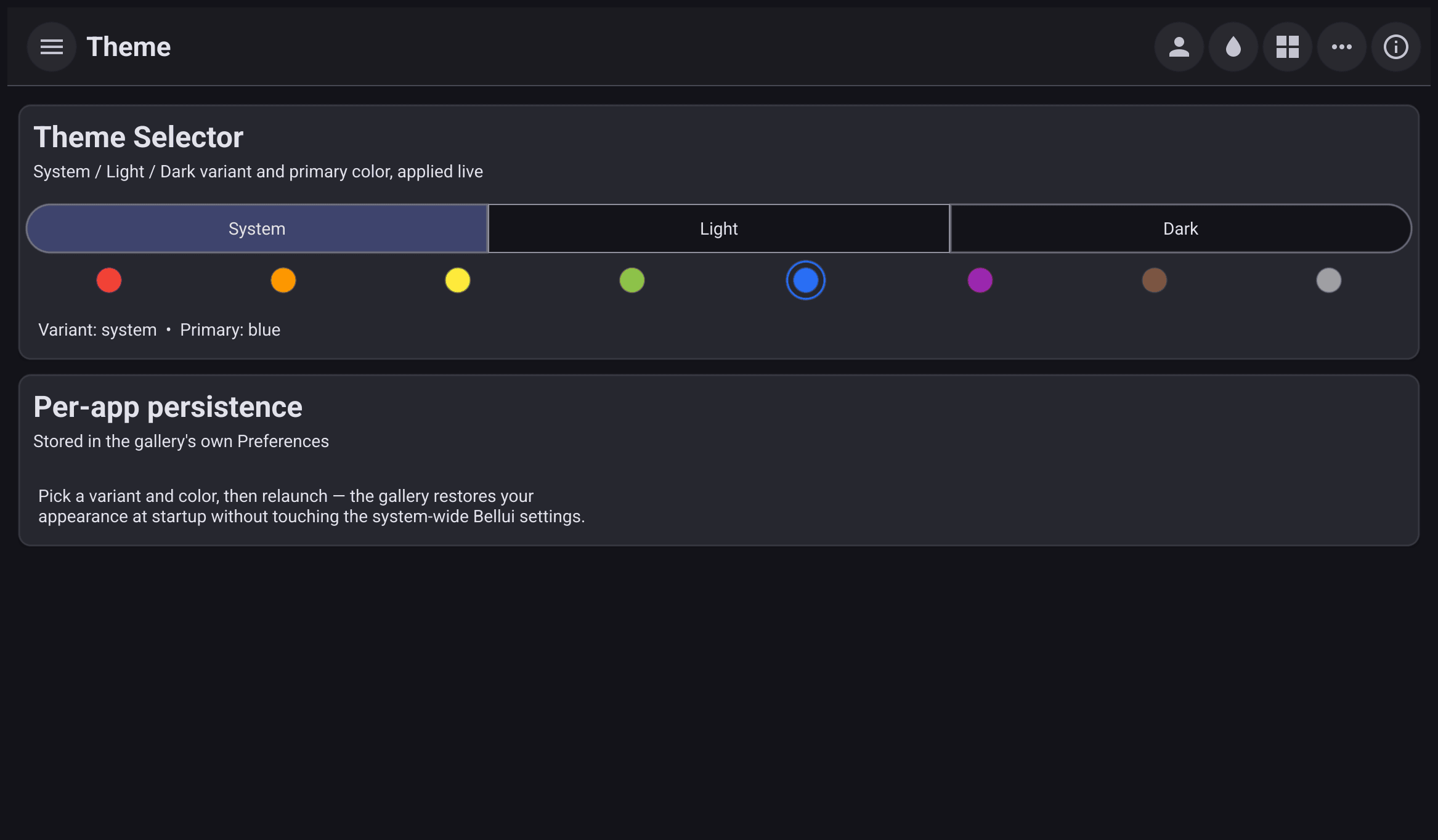
Light and dark, following the system, primary colours and the dense theme.
Override colours, sizes, fonts and icons, in Go or in JSON.
Theme icons and your own icons that follow the theme colours.
Bundled fonts, text styles, the MD3 type scale and extra scripts.
How sizes map to pixels on each display.
A ready-made appearance setting that remembers the user’s choice.
Mirroring for Arabic, Hebrew and other right-to-left languages.