Media
x/mmedia plays video and audio inside a Bellui window. It opens files,
readers and network streams, shows play, pause, seek and volume controls,
keeps sound and picture in sync, draws subtitles, and shows live video from a
camera. Decoding is done by FFmpeg, through the
goffmpeg binding, which brings
prebuilt FFmpeg libraries with it.
Install
go get github.com/belluikit/bellui/x/mmedia@latestThere is no FFmpeg to install: the libraries for your platform come as a Go module and are linked in when you build. They are published for macOS, Linux and Windows on amd64 and arm64, Android, iOS and the iOS Simulator.
- Linux: sound goes through ALSA, and the FFmpeg libraries use the
system’s OpenSSL for HTTPS, so building needs both development packages:
libasound2-devandlibssl-devon Debian and Ubuntu. x/mmediadeclares Go 1.26.2 in itsgo.mod, newer than the otherx/modules, because thegoffmpegbinding needs it.- If your shell exports
CGO_CFLAGSorCGO_LDFLAGS, for example pointing at Homebrew, they can put another FFmpeg ahead of the bundled one. This matters most when cross-compiling; clear them if a build picks up the wrong FFmpeg.
Read Licensing before you ship an app that uses this module.
Playing a file or stream
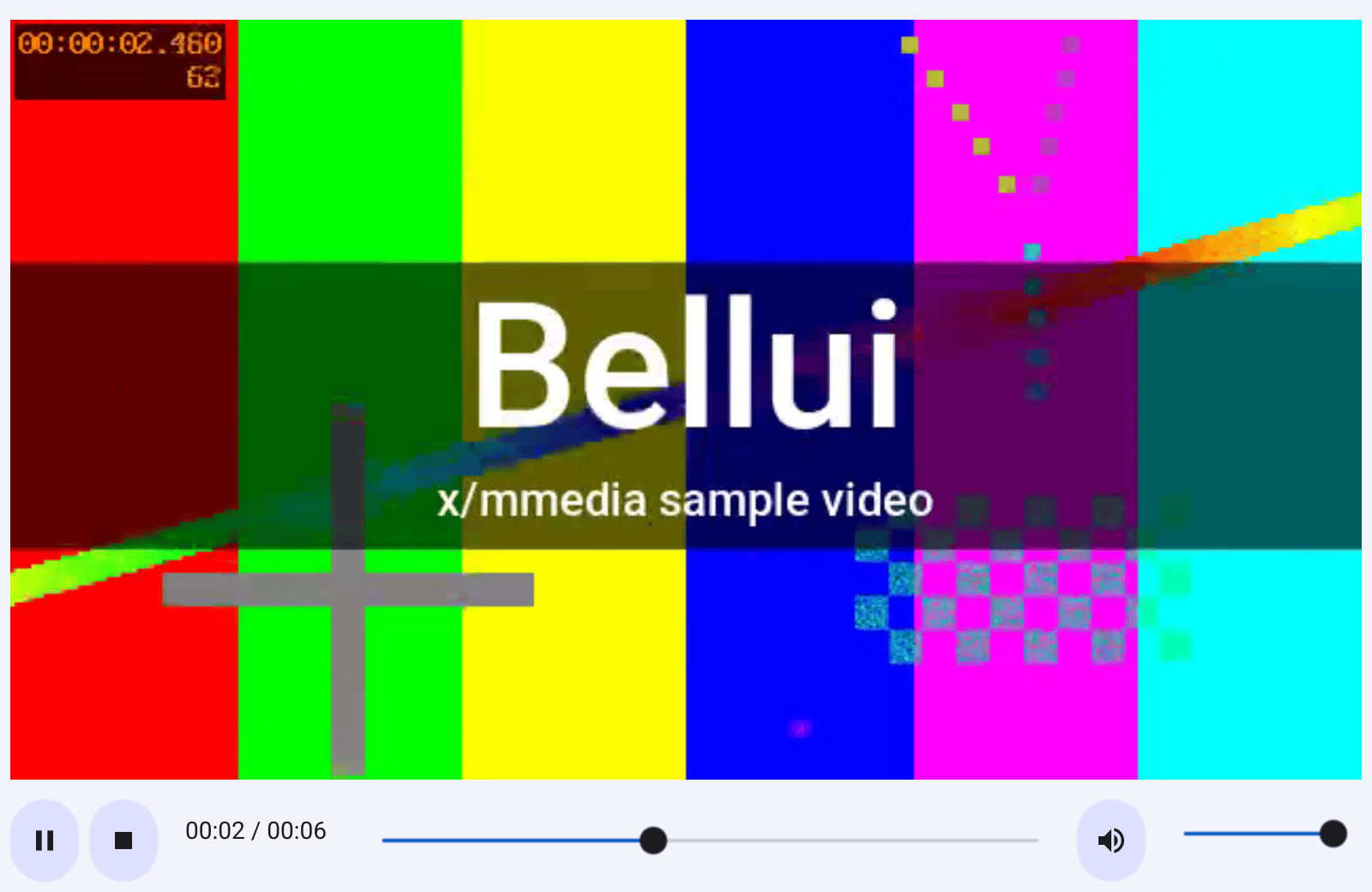
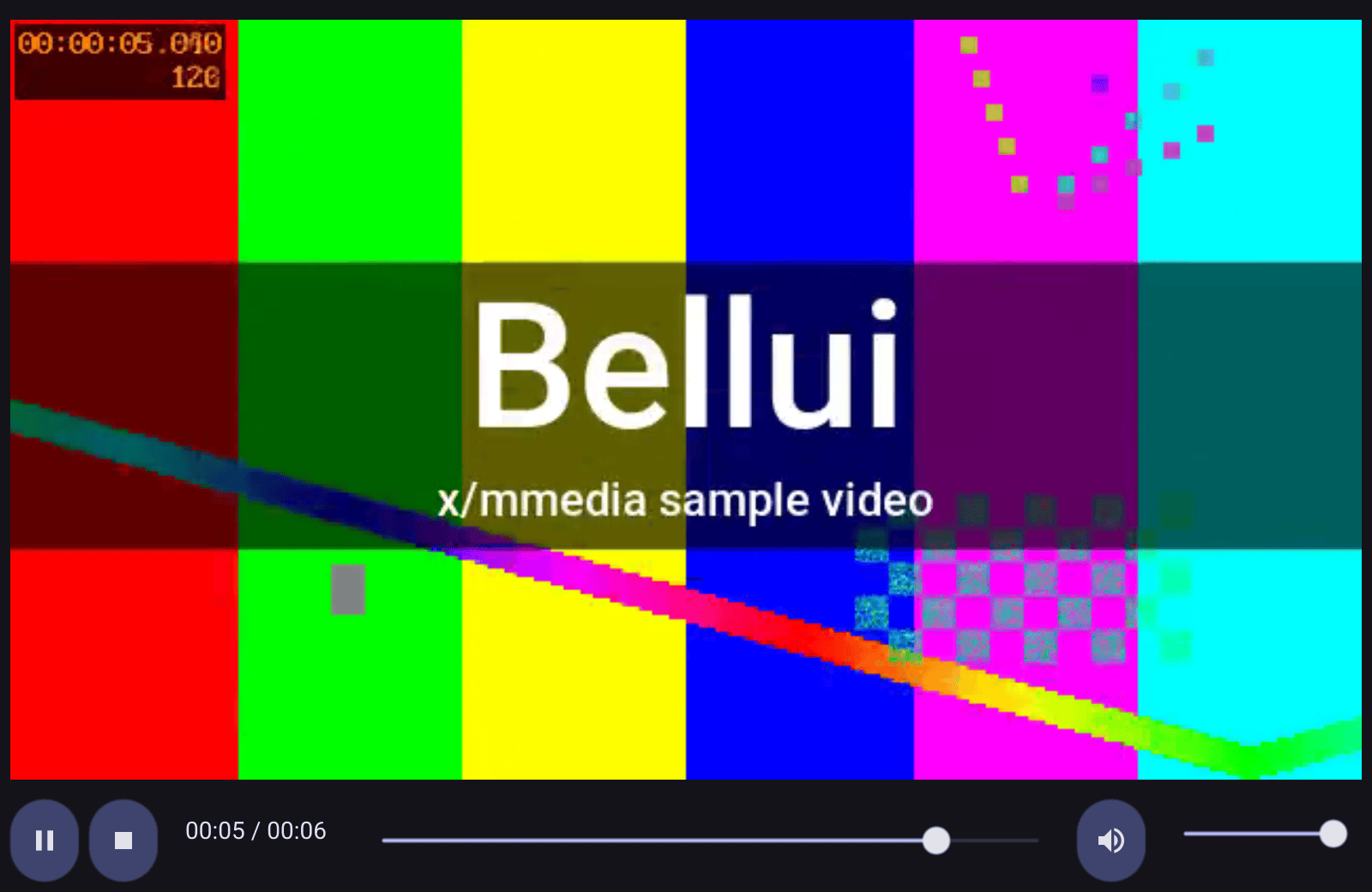
status := widget.NewLabel("")
mp, err := mmedia.NewMediaPlayerURL(os.Args[1],
	mmedia.WithAutoPlay(),
	mmedia.WithScrubPreview(), // show the frame under the pointer on the seek bar
	mmedia.WithOnError(func(err error) {
		// Callbacks run on the player's own goroutine.
		bellui.Do(func() { status.SetText(err.Error()) })
	}),
)
if err != nil {
	w.SetContent(widget.NewLabel(err.Error()))
	bellui.ShowAndRun(w)
	return
}
defer mp.Close()
MediaPlayer
is one widget: the picture, kept at its aspect ratio, with a bar of controls
below it for play and pause, stop, seeking, mute and volume, and the elapsed
and total time. Call Close when you are done with it to release the decoder.
There are two ways to open media, and they are not interchangeable:
NewMediaPlayerURL(path or URL)hands the location to FFmpeg, which does the reading. Use it for files on disk and for anything on the network: it can seek within an HTTP stream, and it is the only form that plays formats that fetch their own data, such as HLS playlists. HTTP, HTTPS, HLS, RTSP and RTMP are supported.NewMediaPlayer(io.Reader)reads through Go, for media you already have as a reader, such as an embedded file or a decrypted stream. The format is detected automatically. If the reader also implementsio.Seeker, the user can seek; otherwise playback only goes forward.
WithScrubPreview shows a thumbnail of the frame under the pointer while it
hovers over the seek bar. It opens the media a second time, so it works with
the URL form, or with an *os.File passed to the reader form, and the
constructor returns an error if you ask for it with any other reader.
Options
Every constructor takes the same options:
| Option | Effect |
|---|---|
WithAutoPlay() | Start playing as soon as the media is open. |
WithLoop() | Start again from the beginning at the end. |
WithVolume(v) | Initial volume, from 0.0 to 1.0. |
WithDownmix() | Mix 5.1 and 7.1 audio down to stereo. |
WithScrubPreview() | Preview frames on the seek bar, as above. |
WithOnTimeUpdate(fn) | Called regularly with the current position and the duration. |
WithOnEnd(fn) | Called when playback reaches the end. |
WithOnError(fn) | Called when playback fails. |
WithOn... callbacks run on the player’s own goroutine, not the UI
thread. Wrap anything that touches widgets in bellui.Do, as the examples do.From code, Play, Pause, Stop, Seek, SetVolume and SetLoop control
playback, and CurrentTime, Duration, IsPlaying and VideoSize report on
it. Stats returns frame counts and how far the picture is from the sound,
which is useful when diagnosing stutter.
Audio only, video only
AudioPlayer
is the same player without a picture: just the controls. VideoPlayer is the
reverse: a picture without controls, for when you build your own.
f, err := os.Open(os.Args[1]) // *os.File is seekable, so the seek bar works
if err != nil {
	w.SetContent(widget.NewLabel(err.Error()))
	bellui.ShowAndRun(w)
	return
}
defer f.Close()

progress := widget.NewLabel("")
ap, err := mmedia.NewAudioPlayer(f,
	mmedia.WithVolume(0.8),
	mmedia.WithOnTimeUpdate(func(current, total time.Duration) {
		bellui.Do(func() {
			progress.SetText(fmt.Sprintf("%s of %s", current.Round(time.Second), total.Round(time.Second)))
		})
	}),
)
if err != nil {
	w.SetContent(widget.NewLabel(err.Error()))
	bellui.ShowAndRun(w)
	return
}
defer ap.Close()
ap.Play()
NewTransportControls gives you the control bar on its own, to drive a player
of your own design through its OnPlay, OnPause, OnSeek and OnVolume
fields.
Subtitles
A SubtitleOverlay
shows timed text over the picture. It reads SubRip (LoadSRT) and WebVTT
(LoadWebVTT) files. MediaPlayerWithSubtitles lays it over a player and
keeps it in step with playback:
mp, err := mmedia.NewMediaPlayerURL(os.Args[1], mmedia.WithAutoPlay())
if err != nil {
	w.SetContent(widget.NewLabel(err.Error()))
	bellui.ShowAndRun(w)
	return
}
defer mp.Close()

subs := mmedia.NewSubtitleOverlay()
if err := subs.LoadSRT(strings.NewReader(srt)); err != nil {
	w.SetContent(widget.NewLabel(err.Error()))
	bellui.ShowAndRun(w)
	return
}
w.SetContent(mmedia.MediaPlayerWithSubtitles(mp, subs))
MediaPlayerWithSubtitles takes over the player’s time updates, so a
WithOnTimeUpdate callback given to that player stops being called. If you
need both, place the overlay yourself and call its SetPosition from your own
time callback.
Cameras
NewCapturePlayer
opens a camera instead of a recording and returns the same MediaPlayer
widget. The player is live: it has no duration, the seek bar shows “live” and
is disabled, and WithLoop has no effect. Stop releases the camera, so its
light goes off and other apps can use it; Play takes it back.
cam, err := mmedia.NewCapturePlayer("", mmedia.WithAutoPlay()) // "" is the default camera
if err != nil {
	w.SetContent(widget.NewLabel(err.Error()))
	bellui.ShowAndRun(w)
	return
}
defer cam.Close()

status := widget.NewLabel("")
picker := mmedia.NewCaptureSelect(func(d mmedia.CaptureDevice) {
	// Opening a camera takes a while: do it off the UI thread.
	go func() {
		if err := cam.SetCaptureDevice(d.Name); err != nil {
			bellui.Do(func() { status.SetText(err.Error()) })
		}
	}()
})
CaptureSelect
is a drop-down list of cameras. Its callback runs only when the user picks one.
SetCaptureDevice switches the running player to another camera without
rebuilding the widget. It opens the new camera before releasing the old one, so
if the switch fails the old picture stays. Opening a camera takes a noticeable
time, so call it from a goroutine, as above.
How cameras are found differs by platform:
- Linux (V4L2) and Windows (DirectShow) can list their cameras, and
VideoCaptureDevicesreturns them. UseLabel()for the name to show the user, andNameto open the device. - macOS (AVFoundation) cannot list cameras. They are chosen by position
instead:
NewCapturePlayerIndex(0)is the first. On macOSCaptureSelectstarts empty and shows a button that finds cameras by trying to open each position in turn, which takes about a second per position and briefly turns on the camera light. Some of the positions it finds are screen-capture inputs, not cameras.
WithCaptureOptions("framerate=30,pixel_format=nv12") passes settings to the
platform’s capture driver; the accepted keys differ per platform.
Renderers
Video plays under both renderers, the default WebGPU
one and the OpenGL one (-tags gl). Under both, each new frame updates the
picture’s GPU texture in place rather than creating a new one.
Licensing
x/mmedia itself is BSD 3-Clause licensed, like Bellui, and so is the
goffmpeg binding’s own code. FFmpeg is not. The FFmpeg libraries that
goffmpeg links are licensed under the
GNU Lesser General Public License, version 2.1 or later.
They are built without FFmpeg’s GPL and non-free components, so no stricter
licence applies.
When you build an app with x/mmedia, the FFmpeg libraries are linked
statically into your executable, on every platform. Your app is then a “work
that uses the Library” in the LGPL’s terms, and when you distribute it, section 6 of the
LGPL 2.1 applies. In outline, it asks you to:
- say prominently that your app uses FFmpeg and that FFmpeg is covered by the LGPL, and include a copy of the licence;
- make FFmpeg’s source code available for the version you ship;
- let users replace FFmpeg with a modified version. Because the link is static, that means also providing your app in a form that can be relinked: its object files, or its source code;
- allow modification of your app for the user’s own use, and reverse engineering to debug such modifications.
This is a summary, not legal advice. Read section 6 of the licence, and ask a lawyer if you are unsure what it requires of you.
The details you need for the notice are published with each platform’s
library module in the
goffmpeg-libs repository: the
FFmpeg version, the exact git revision, the configuration used, and a link to
the matching FFmpeg source. The goffmpeg
NOTICE file covers
the FFmpeg headers it contains.
x/mmedia v1.0.0 requires goffmpeg v0.4.0 and goffmpeg-libs v0.3.0, and
those module downloads carry no licence or notice files. From goffmpeg
v0.4.1 and goffmpeg-libs v0.3.1 they do, around the same FFmpeg libraries.
If you collect licences from your module cache, upgrade first:
go get github.com/belluikit/[email protected]